
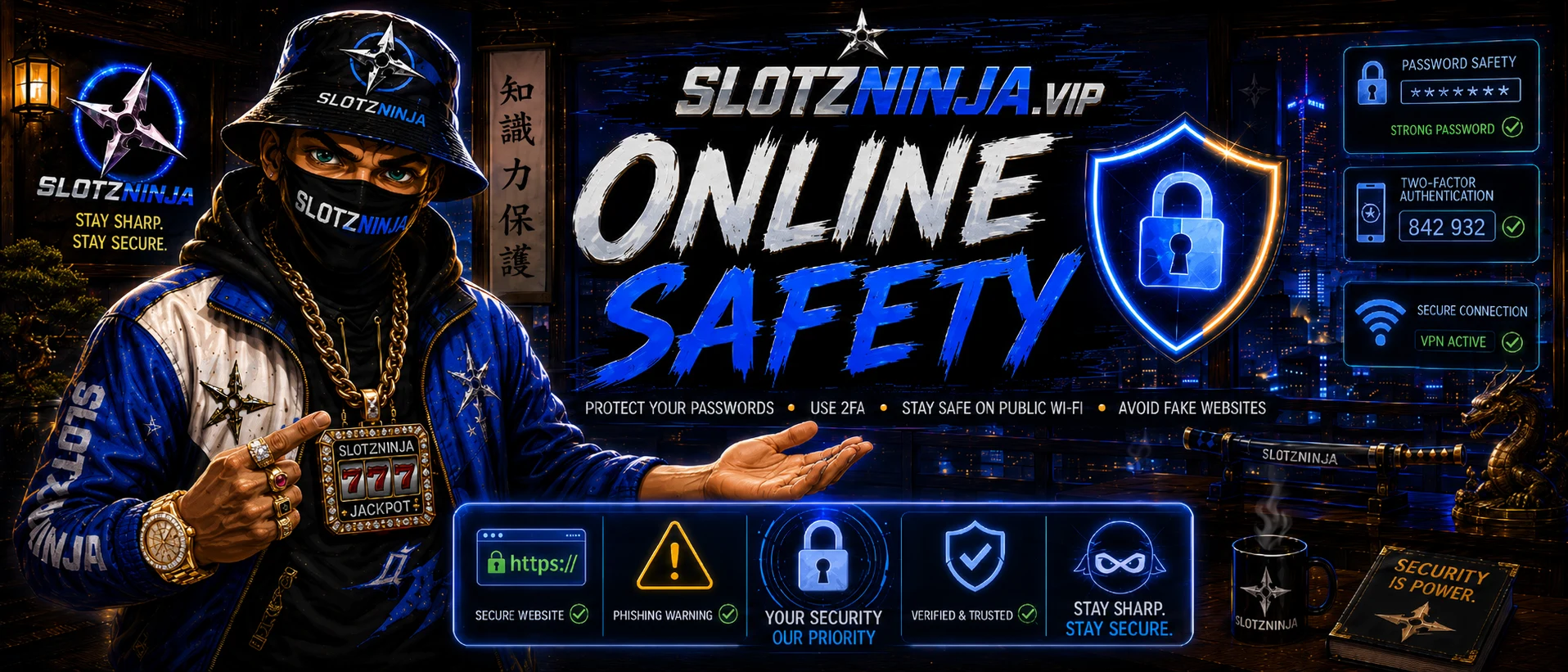
Online Casino Safety Guide for Australian Players
Online security is not about becoming invisible or paranoid. It is about making yourself a difficult target. Scammers usually look for the easiest win — reused passwords, unprotected accounts, fake login pages, rushed decisions and unsafe networks. A few simple habits can block most common attacks before they get anywhere near your money or personal information.
Whether you're checking bonuses, managing affiliate accounts, using social media or handling online payments, these steps help protect your digital dojo.
Never Reuse Important Passwords
Reusing passwords is one of the biggest online security risks. When a website suffers a data breach, stolen email addresses and passwords may be tested against other services — this is known as credential stuffing.
A criminal may obtain a password you used on an old shopping website and try the same login details on your:
- Email account
- Social media
- Banking account
- Casino account
- Cryptocurrency exchange
- Affiliate dashboard
Even if the original website was unimportant, a reused password can open the door to something valuable.
The Slotzninja Password Rule
Every important account should have its own unique password. Your email password should never be the same as your Facebook password. Your casino password should never be the same as your banking password. Your affiliate dashboard should never share a password with an old forum or shopping account.
What Makes a Strong Password?
A strong password should be long, unique, difficult to guess and unrelated to your personal information. Avoid using:
- Your name, birthday, phone number or suburb
- Your pet's name or car registration
- Common patterns such as
Password123 - Brand-related passwords such as
SlotzNinja777
Length is generally more important than a short, complicated-looking password. A random password generated by a password manager is usually safer than one you create yourself.
Use a Password Manager
A password manager securely stores your passwords so you don't have to remember every one — you remember one strong master password, and it generates and stores unique passwords for everything else. When choosing one:
- Use a reputable provider
- Protect it with a strong master password
- Enable two-factor authentication
- Save your recovery information somewhere secure
- Never share your master password with anyone
Protect Your Email First
Your email account is the master key to your digital life — password-reset links for other services are usually sent there. If someone takes control of your inbox, they may be able to reset passwords and take over multiple accounts. Your email should have a unique password, two-factor authentication, updated recovery information, security alerts enabled, and no unknown forwarding rules.
Check your email settings occasionally for unfamiliar recovery addresses, connected devices or automatic forwarding rules.
Turn On Two-Factor Authentication
Two-factor authentication (2FA) adds a second security check after your password — something you have, like your phone or an authenticator app, on top of something you know. Even if someone steals your password, they may still be unable to access your account.
Best Types, Strongest to Weakest
- Physical security key
- Authenticator app
- Passkey
- Push notification
- SMS code
SMS is still better than nothing, but phone numbers can be targeted through SIM-swap attacks — an authenticator app is usually the better everyday option where supported.
Accounts That Need 2FA Most
- Your main email account
- Banking and payment accounts
- Social media pages
- Website hosting & domain registrar accounts
- Affiliate dashboards
- Cryptocurrency exchanges
- Cloud storage & password managers
- Casino or betting accounts where available
For anyone running a website or online brand, domain and hosting accounts are especially important — if someone takes over your domain, they can redirect visitors, steal traffic or impersonate your business.
Save Your Backup Codes
Store recovery codes somewhere secure and separate from your phone — not inside the same phone that generates your authentication codes. A safer setup could include a printed copy stored securely, an encrypted backup, a password-manager entry, or a spare trusted device.
Never send backup codes to anyone claiming to be customer support. Real support staff should never ask you to read out a login or recovery code.
Watch for 2FA Fatigue Attacks
Some attackers repeatedly send login approval requests hoping you'll eventually tap "Approve" just to stop the notifications. Never approve a login request you didn't personally start — an unexpected prompt may mean someone already has your password. Change it immediately and review recent account activity.
Treat Public Wi-Fi as Untrusted
Free Wi-Fi is convenient, but that convenience can create risk. Public networks may be shared with strangers, poorly secured, or deliberately created to imitate a legitimate network using a believable name such as "Hotel Guest Wi-Fi" or "Free Public Internet."
Before Connecting
Ask staff for the exact network name and login process — don't assume the strongest signal is the official one. Compare carefully: Hotel_Guest, HotelGuest, and Hotel_Free_WiFi might not all be legitimate.
Avoid Sensitive Activity on Public Wi-Fi
- Online banking or cryptocurrency transfers
- Password changes
- Large payments
- Accessing important business accounts
- Entering identity documents
- Managing your domain or website hosting
Mobile data is often the safer choice for anything sensitive.
Turn Off Automatic Connection
Disable auto-connect to open networks. After using a public network: disconnect, select "Forget network," turn off file sharing and Bluetooth when not needed, and check for unfamiliar apps or profiles if anything suspicious occurred.
Keep Websites Encrypted
Look for https:// and the secure connection symbol. HTTPS encrypts traffic between your browser and the website — but it doesn't prove the website itself is honest. A fake website can use HTTPS too. Think of HTTPS as a secure tunnel; you still need to confirm the destination is correct.
What a VPN Can and Cannot Do
A reputable VPN encrypts your connection between your device and the provider, which can add real protection on shared or untrusted networks. A VPN can help protect connection privacy — but it does not make you completely anonymous, stop you entering details into a fake website, remove malware, protect weak or reused passwords, replace 2FA, or guarantee a company is legitimate. Use it as one layer of protection, not an invisibility cloak.
🛡 Recommended: PureVPN
If you're managing bonus accounts, crypto wallets or affiliate dashboards on the move, PureVPN adds a real layer of protection on public and shared networks.
Affiliate disclosure: Slotzninja may earn a commission if you purchase PureVPN through this link, at no additional cost to you.
Using Crypto With Bonus Sites
A lot of the fastest, most flexible no-deposit casinos on Slotzninja accept crypto — deposits and withdrawals can clear faster, and it sidesteps some of the payment restrictions that slow down card and bank transfers. But it comes with its own safety rules that are worth knowing before you move money.
Use a Reputable, Regulated Exchange
Buy and hold your crypto on an exchange that's actually regulated in Australia, not an offshore platform with no local accountability. An Australian-based exchange gives you AUD on/off ramps, local support, and a real entity to deal with if something goes wrong.
Don't Leave Casino Winnings Sitting in a Hot Wallet
A hot wallet (connected to the internet) is convenient but more exposed than cold storage. If you've cashed out a decent win, moving it off the exchange into a properly secured wallet — or at least not leaving it idle somewhere it's one phishing click away from gone — is worth the extra step.
Never Send Crypto to "Unlock" a Withdrawal
Same rule as the bonus-hunter section above: a legitimate casino never asks you to send additional crypto to release your own winnings. That request, in any form, is a scam.
If you're buying or cashing out crypto for casino play, Coinstash is an Australian-based exchange built for AUD in, AUD out.

Affiliate disclosure: Slotzninja may earn a commission if you sign up to Coinstash through this link, at no additional cost to you.

Learn to Recognise Fake Websites
Fake websites are designed to look convincing — they may copy logos, colours, layouts and promotions from legitimate companies to steal passwords, card details, cryptocurrency or identity documents. Don't judge a website only by how professional it looks.
Check the Domain Letter by Letter
Scammers often register addresses that look similar to real domains — replacing a letter with a number, adding an extra word, an unusual ending, hyphens, or a subdomain to disguise the real destination. A fake address might look like brand-login.example or brand.verify-example.com — in that last one, the real domain is verify-example.com, not brand.com. Always identify the main registered domain before entering information.
Don't Trust Search Ads Automatically
A sponsored search result is not automatically genuine — scammers can buy ads that imitate well-known businesses. Where possible, use a saved bookmark, the official app, a trusted link from the company's verified account, or a manually typed address you've already confirmed.
Common Warning Signs
- Promises guaranteed money or creates extreme urgency
- Says your account will be closed immediately
- Requests cryptocurrency only, or remote access to your device
- Demands a payment to unlock a withdrawal
- Requests your password or 2FA code through chat
- Poor spelling or inconsistent branding
- Contact details that don't match the official company
- Redirects through several unrelated domains
- Asks you to install an unknown APK file
- Requests ID documents without a clear reason or privacy policy
One warning sign doesn't always prove fraud — but several together should stop you from proceeding.
Be Careful With Downloaded Android Apps
Avoid installing apps from random links, Telegram messages, pop-ups or unofficial download pages — an APK file can contain malicious software. Prefer Google Play, the verified official website, or a trusted device manufacturer's app store. Before installing: confirm the developer name, check review quality, review requested permissions, and question why the app needs contacts, SMS, accessibility or device-admin access. A bonus app shouldn't need control over accessibility services or text messages.
Verify Through a Separate Channel
If you receive a suspicious email, message or call, don't use the contact details it provides — open the official website independently, use the support channel listed there, and ask whether the request is genuine. This breaks the scammer's control over the conversation.
Slow Down Before You Claim
Casino and bonus-related scams often rely on urgency and excitement. Slow down before depositing, verifying identity, or claiming an offer.
Before Using a Casino or Bonus Website, Check:
- The exact domain and the operator's legal company name
- Licensing information
- Terms, withdrawal rules, wagering requirements and country restrictions
- Contact details and independent reputation reports
- Whether identity verification is required
- Whether the promotion appears on the official website
Don't assume a logo or licence badge is authentic — a badge can be copied like any other image. Where possible, verify licensing claims directly with the relevant regulator.
Never Pay a "Release Fee" Blindly
Be extremely cautious if a platform asks for another deposit to unlock a withdrawal, pay a verification fee, increase your tier, release winnings, cover tax, or prove wallet ownership. Legitimate fees are disclosed clearly in advance — unexpected demands for more money are a major warning sign.
Keep Records
Save screenshots of the offer, terms and conditions, deposit confirmations, withdrawal requests, support conversations, transaction IDs and verification messages. Promotions and terms can change — records may help if there's a dispute.
Secure Your Phone
Your phone may hold access to your email, bank, social media, affiliate accounts and authentication codes — protect it properly.
Essential Phone Security
- A strong PIN or password, not
1234or your birth year - Fingerprint or face unlock as a convenience layer
- Automatic screen lock and device encryption
- Automatic software updates and Google Play Protect
- Find My Device enabled, plus a secure backup
Review App Permissions
Check which apps can access your camera, microphone, location, contacts, SMS, files, accessibility services, notifications and device-admin settings — remove anything unnecessary. Accessibility access is especially powerful: a malicious app with accessibility privileges may be able to read screens, press buttons or observe sensitive information.
Keep Software Updated
Updates aren't just new features — they patch security vulnerabilities. Keep your Android OS, browser, password manager, authenticator app, banking apps and social media apps up to date.
What To Do Next
After a Suspicious Login Alert
- Do not approve the login
- Change the account password
- Sign out of other sessions
- Enable or reset two-factor authentication
- Check recovery emails and phone numbers
- Review connected apps and forwarding rules
- Secure your email account first
- Contact the provider through its official website
- Monitor financial accounts if payment info was exposed
If you reused the same password elsewhere, change it everywhere it was used.
If You Entered a Password on a Fake Site
Change it immediately on the real website, change it everywhere it was reused, enable 2FA, review recent logins, and sign out of unknown devices.
If You Entered Card or Banking Details
Contact your bank immediately, lock or cancel the affected card, review recent transactions, and follow the bank's fraud-reporting process.
If You Installed an Unknown App
Disconnect from the internet, remove the app if possible, review accessibility and device-admin settings, run built-in security checks, change important passwords from a separate trusted device, and consider a factory reset if compromise is likely.
If You Supplied Identity Documents
Keep evidence of where they were submitted, report the incident to the appropriate identity/fraud services, watch for new accounts or loans opened in your name, and strengthen account verification wherever possible.
The Slotzninja Security Checklist
Before logging in, depositing or entering personal information, ask yourself:
If something feels wrong, stop. A missed bonus is cheaper than a stolen account.
Final Word From the Dojo
Good online security isn't one product, one app or one trick — it's a combination of habits: unique passwords, two-factor authentication, careful browsing, verified domains, updated devices, healthy suspicion, and taking time before acting. The strongest defence isn't fear. It's discipline.
Protect your accounts. Protect your identity. Protect your bankroll.
Important Notice
This guide provides general online-security information. It does not guarantee complete protection against fraud, hacking, malware or financial loss. Slotzninja does not recommend using privacy tools to evade laws, licensing restrictions, identity checks, account rules or geographical restrictions — always follow applicable laws and the terms of any service you use. Some links on this page may be affiliate links; Slotzninja may earn a commission when a purchase is made through those links, at no additional cost to the customer.